Kanban that keeps up with you.
Kan Do is a lightning-fast, kanban-style project manager for your Apple devices. A few things, done really well.
MaciPhoneiPadApple Vision ProApple TVApple Watch
$2.99, one time. No subscription, no account, no tracking.
Features
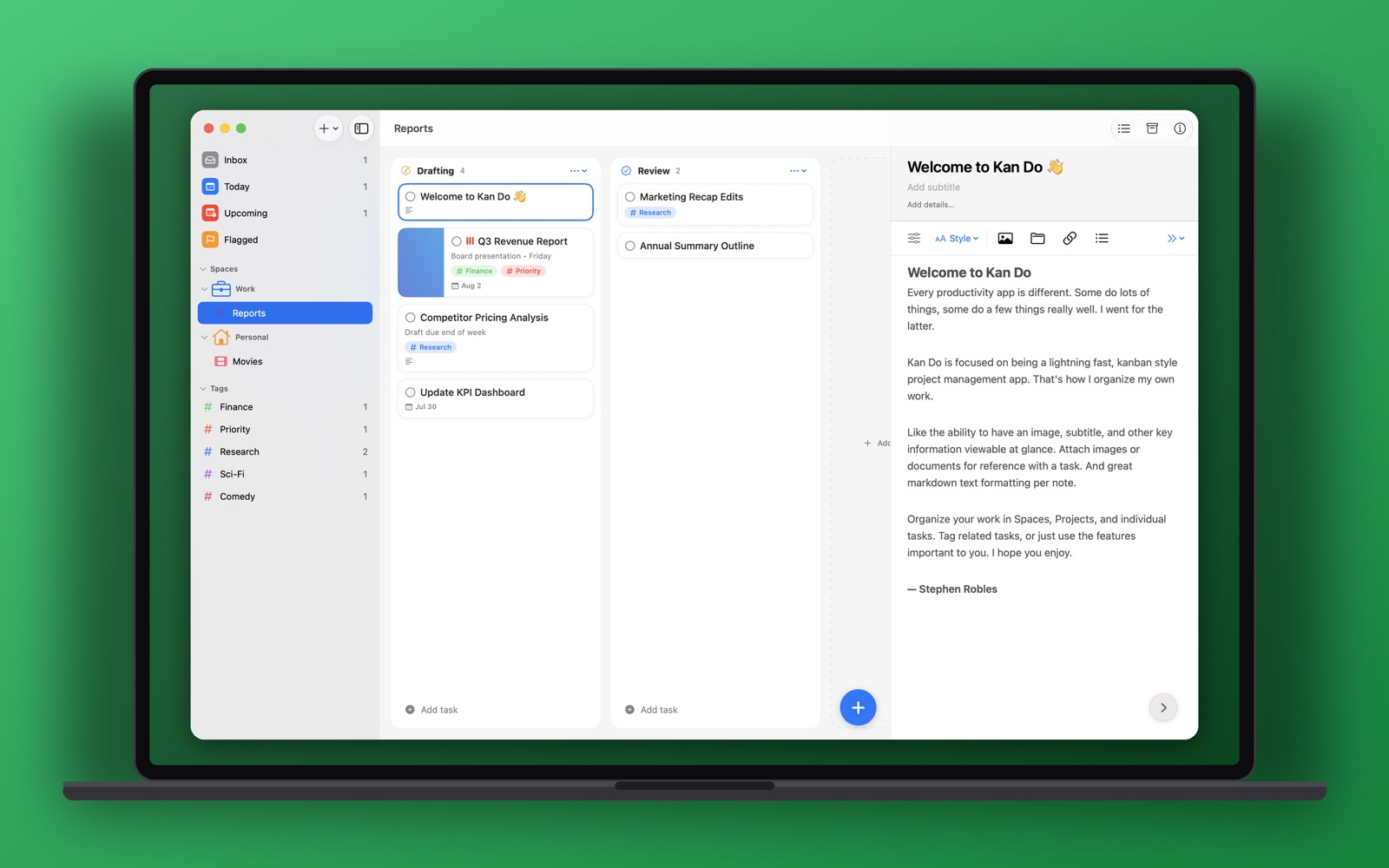
Everything at a glance. Nothing in the way.
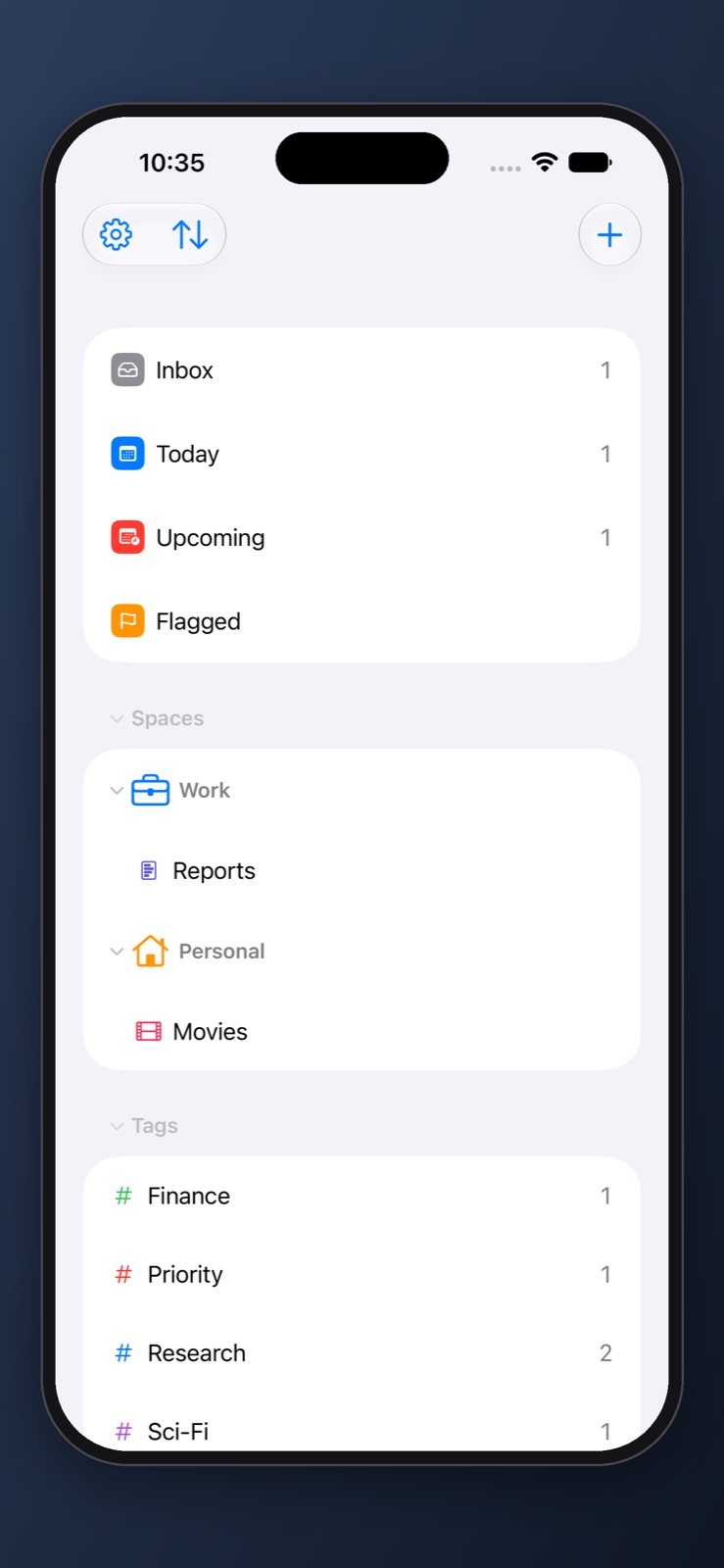
Spaces hold projects. Projects hold boards. Boards hold cards that show exactly what matters.
Boards that fly
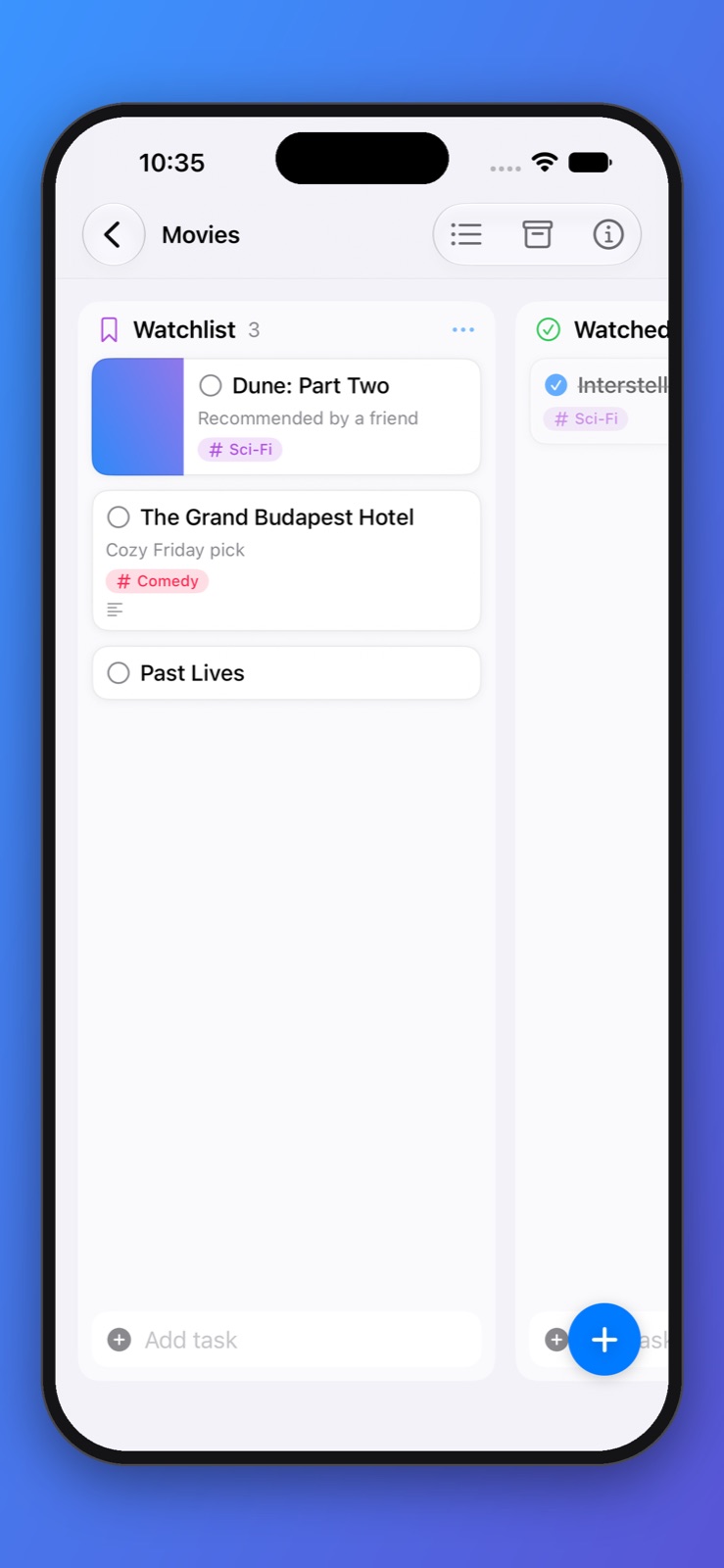
Drag cards between columns, reorder with a click or a tap, add tasks from the always-ready field at the bottom of every column, and switch any project to a list.
Boards and columns →Rich notes on every task
Headings, lists, tappable to-do checkboxes, quotes, code, text colors, and highlights, plus images, drawings, and file attachments, right inside the task.
The notes editor →Spaces, Projects, and Tags
Group projects into Spaces, give everything its own icon and color, and use tags that nest as deep as you like to cut across projects.
Organizing your work →Smart lists
Inbox, Today, Upcoming, and Flagged gather what needs attention. Build your own smart lists with filters for tags, dates, priority, projects, and more.
Smart lists →Cards with context
Cover images, subtitles, priorities, flags, links, subtasks, start dates, and due dates with reminders that keep nudging until you're done.
Tasks and cards →Private iCloud sync
Your boards stay in sync across every device, stored in your own iCloud. No accounts, no servers of ours, no analytics.
How sync works →Siri, Shortcuts, and Spotlight
Add, edit, and complete tasks by voice, build automations with a full set of Shortcuts actions, and find any task from Spotlight.
Siri and Shortcuts →Widgets everywhere
Home Screen, Lock Screen, and Mac desktop widgets show any list or project, with a + button that adds tasks exactly where you want them.
Widgets →Works with AI assistants
A built-in MCP connector lets Claude, ChatGPT, Cursor, and other assistants read and manage your tasks, on your Mac, with your permission.
AI assistants →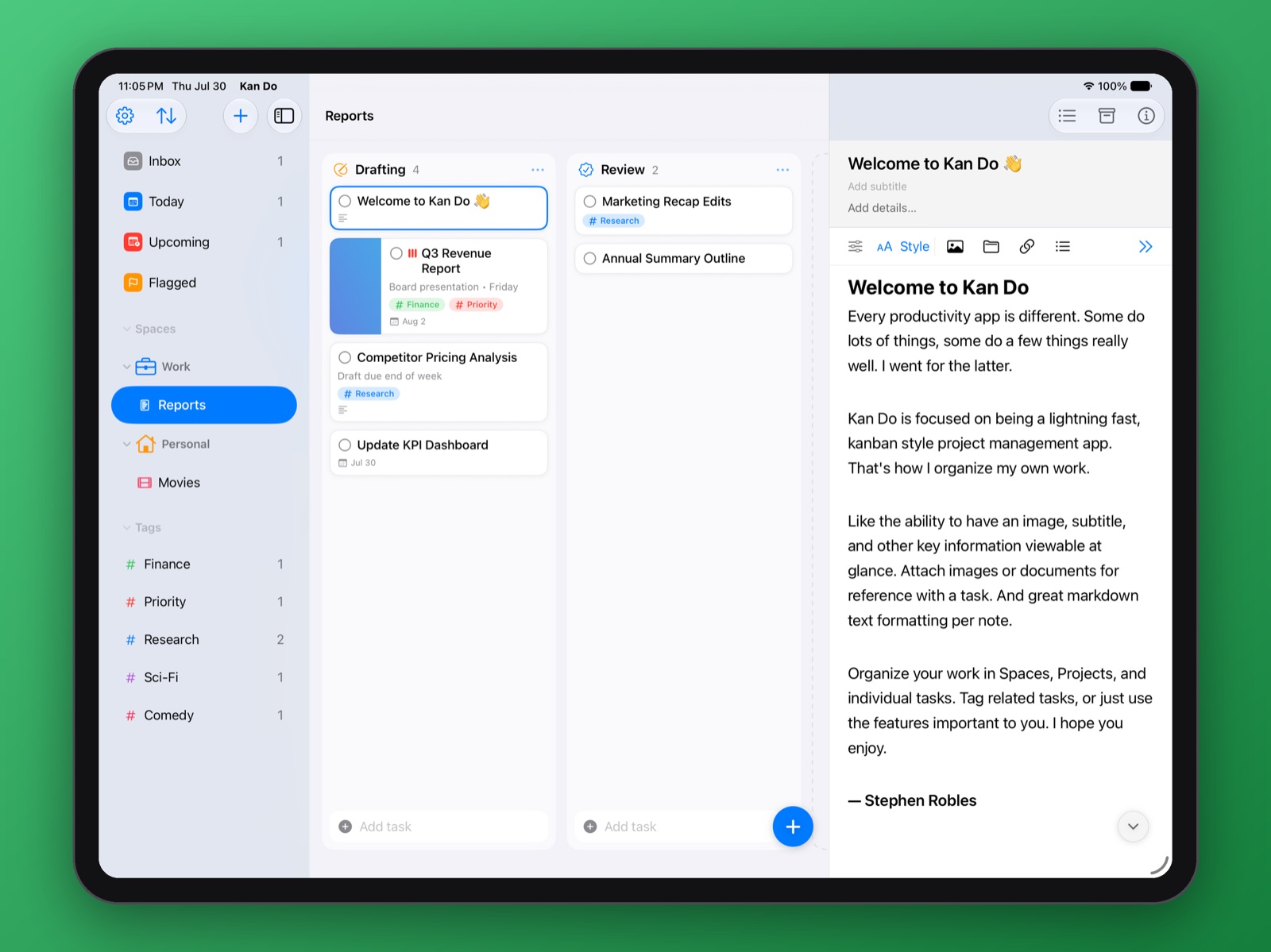
Boards
Move work forward with a drag.
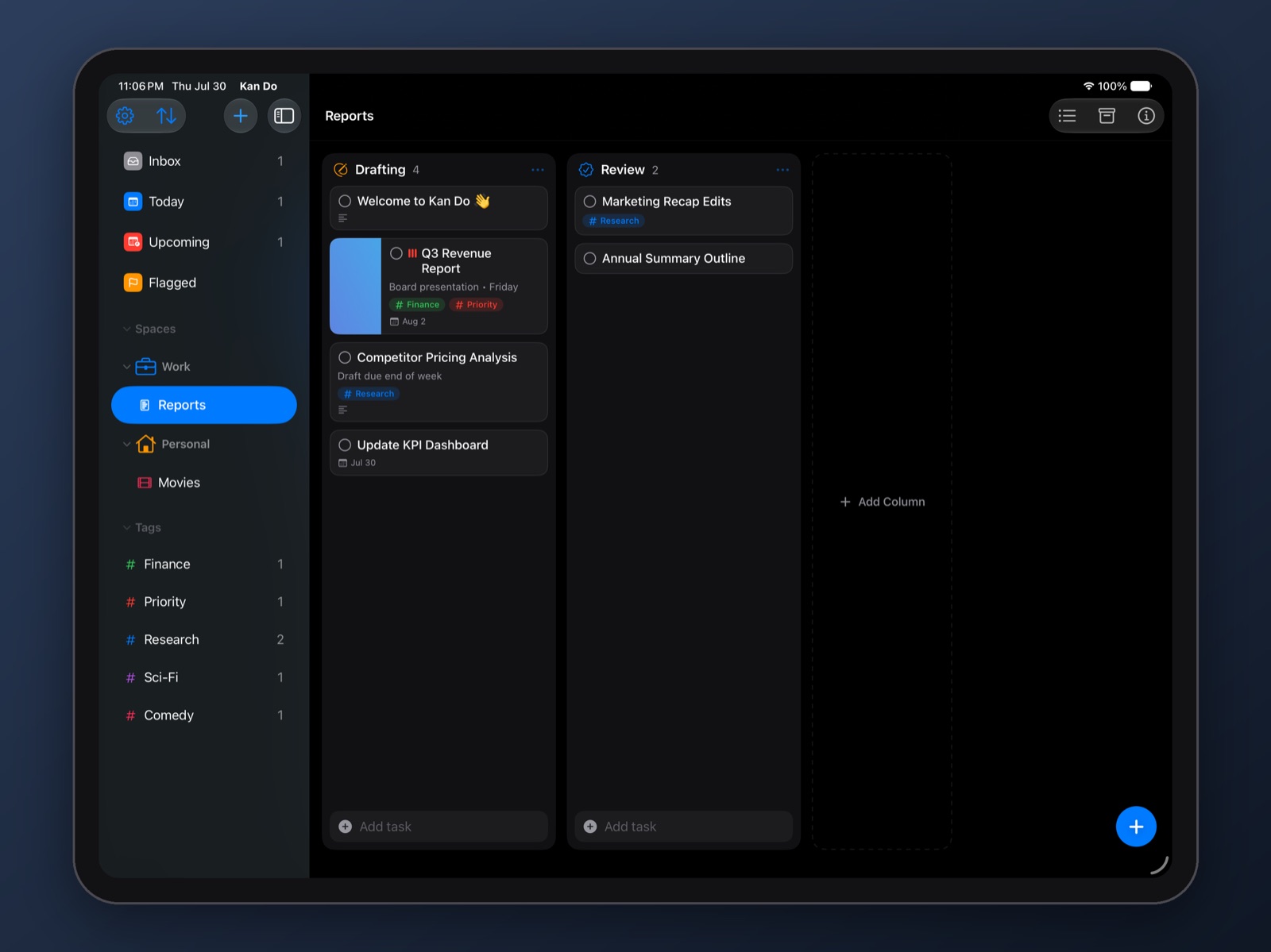
Every project is a board of columns you define. Cards carry a cover image, subtitle, tags, priority, and due date, so you can read the state of a project without opening anything.
- Drag cards between columns, or onto a project, tag, or the Inbox in the sidebar
- Dividers split long columns into sections
- Keep finished cards on the board, or sweep them to the Archive, per project
- Column width, card size, and typography are all adjustable
Notes
A real editor inside every task.
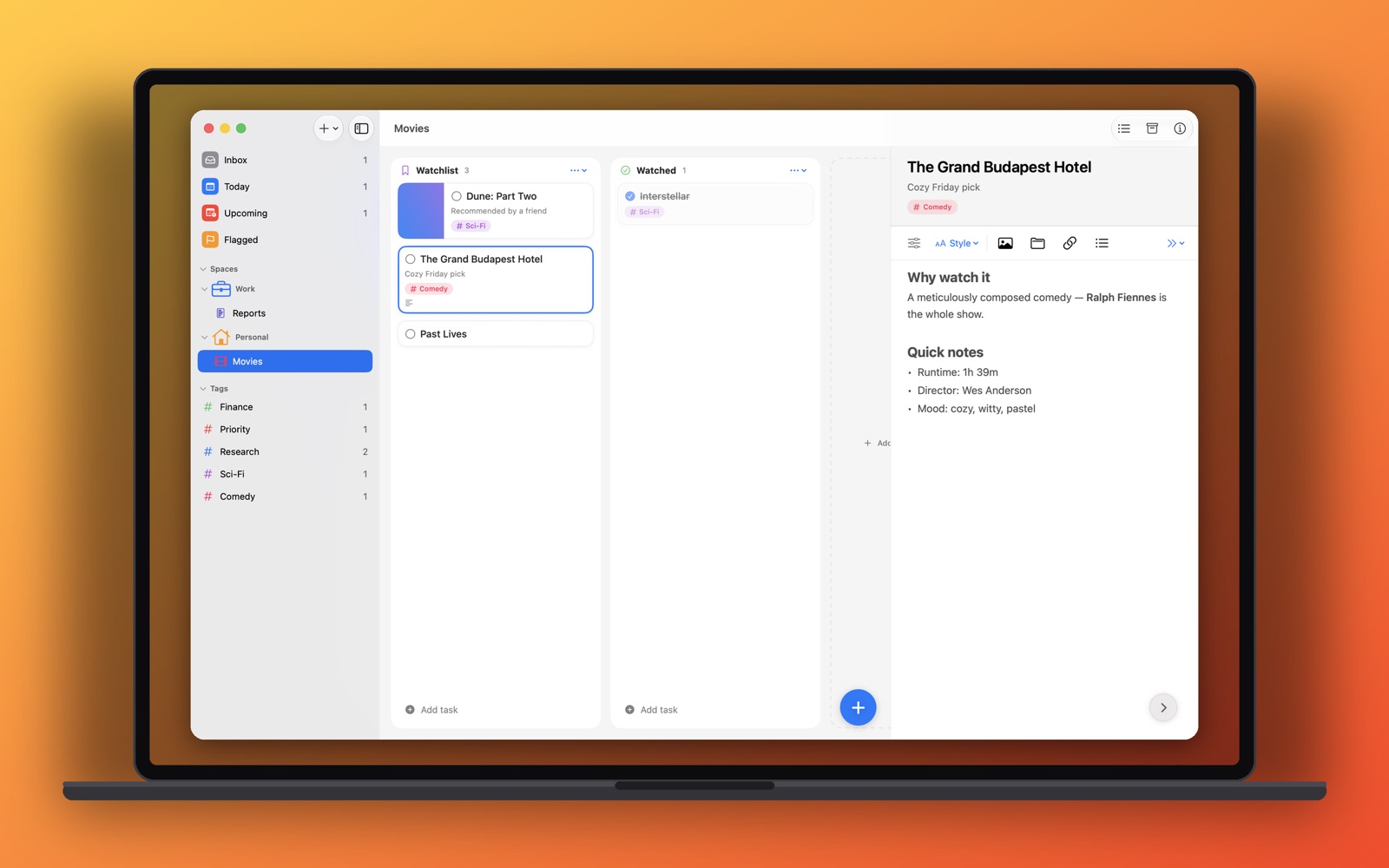
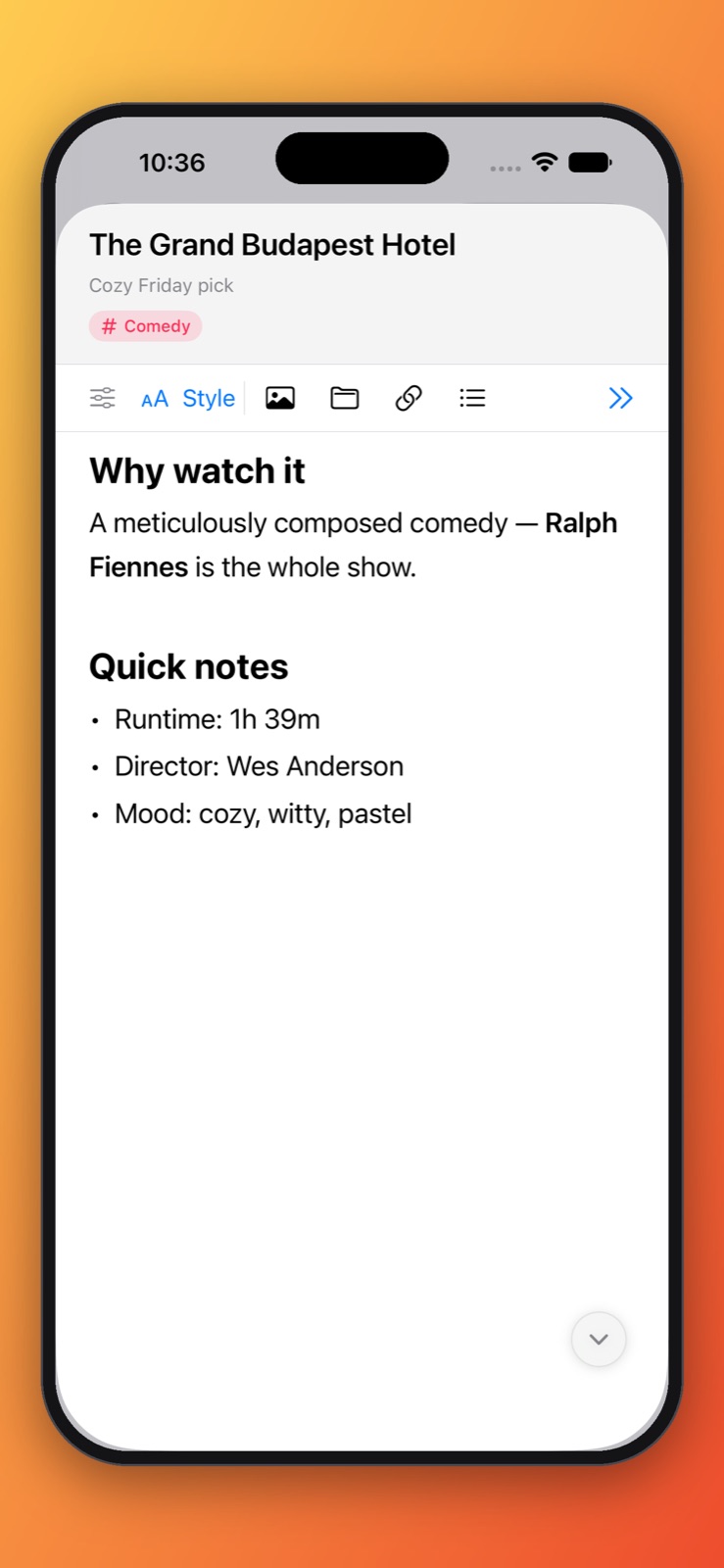
Write meeting notes, checklists, and specs in a rich editor that feels like a proper notes app. Paste a screenshot and it becomes an attachment. Drop in a Mail message and it becomes a card that opens the email.
- Titles, headings, bullets, numbered lists, to-do checkboxes, quotes, and code blocks
- Text color, six highlight colors, links, and dividers
- Images, drawings, and file attachments that sync everywhere
- A formatting bar above the keyboard on iPhone and iPad
Smart lists and reminders
Today, sorted for you.
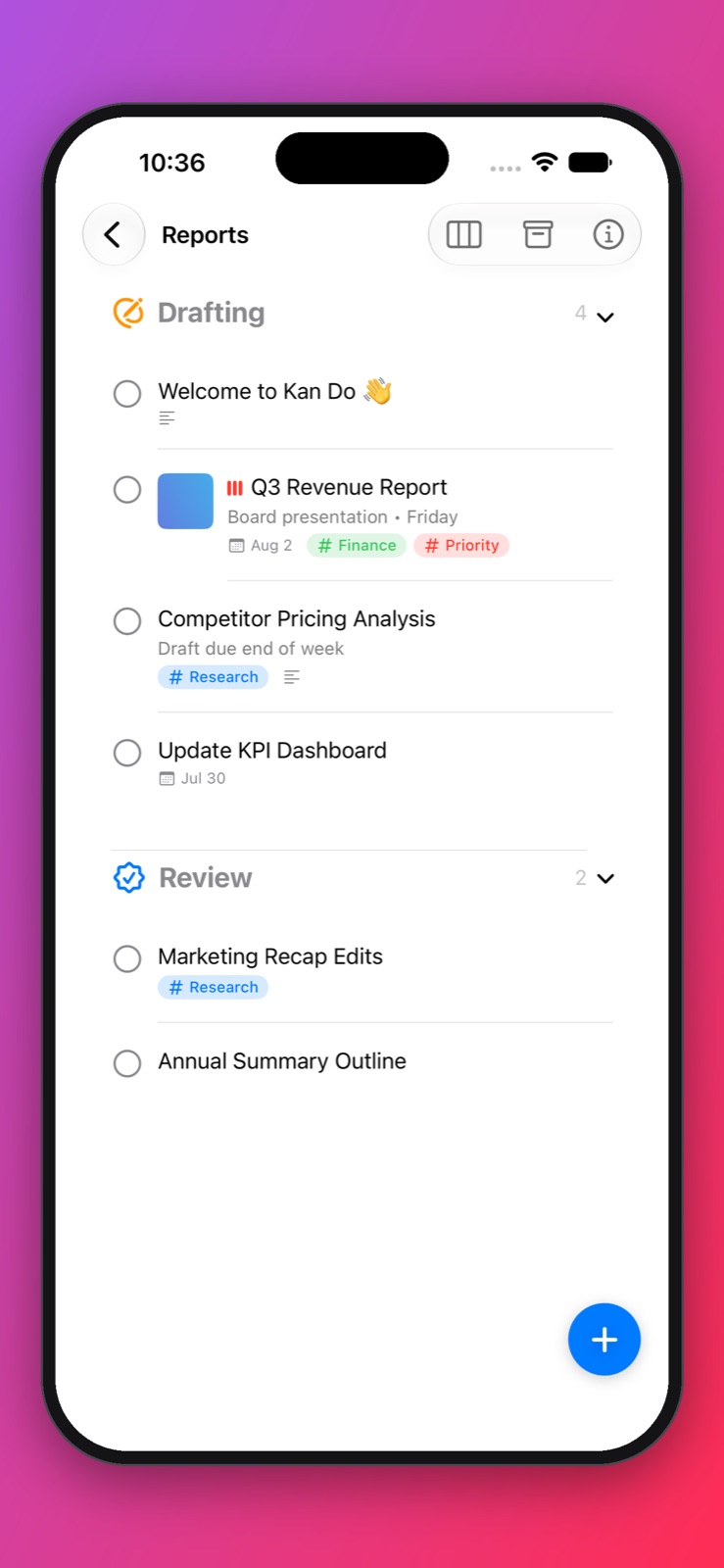
Inbox catches quick captures. Today shows what is due or already started, grouped by time if you like. Upcoming looks ahead. Flagged keeps the important few in view. Build your own smart lists for anything else.
- Due dates, due times, start dates, and repeating tasks
- Alert Until Done reminders that repeat every 30 minutes, hour, 3 hours, or day
- Snooze straight from the notification
- Tasks and subtasks show up in the built-in Calendar view
Every Apple device
Native everywhere you work.
One purchase unlocks Kan Do on all of your devices, and iCloud keeps them in step.
Gallery
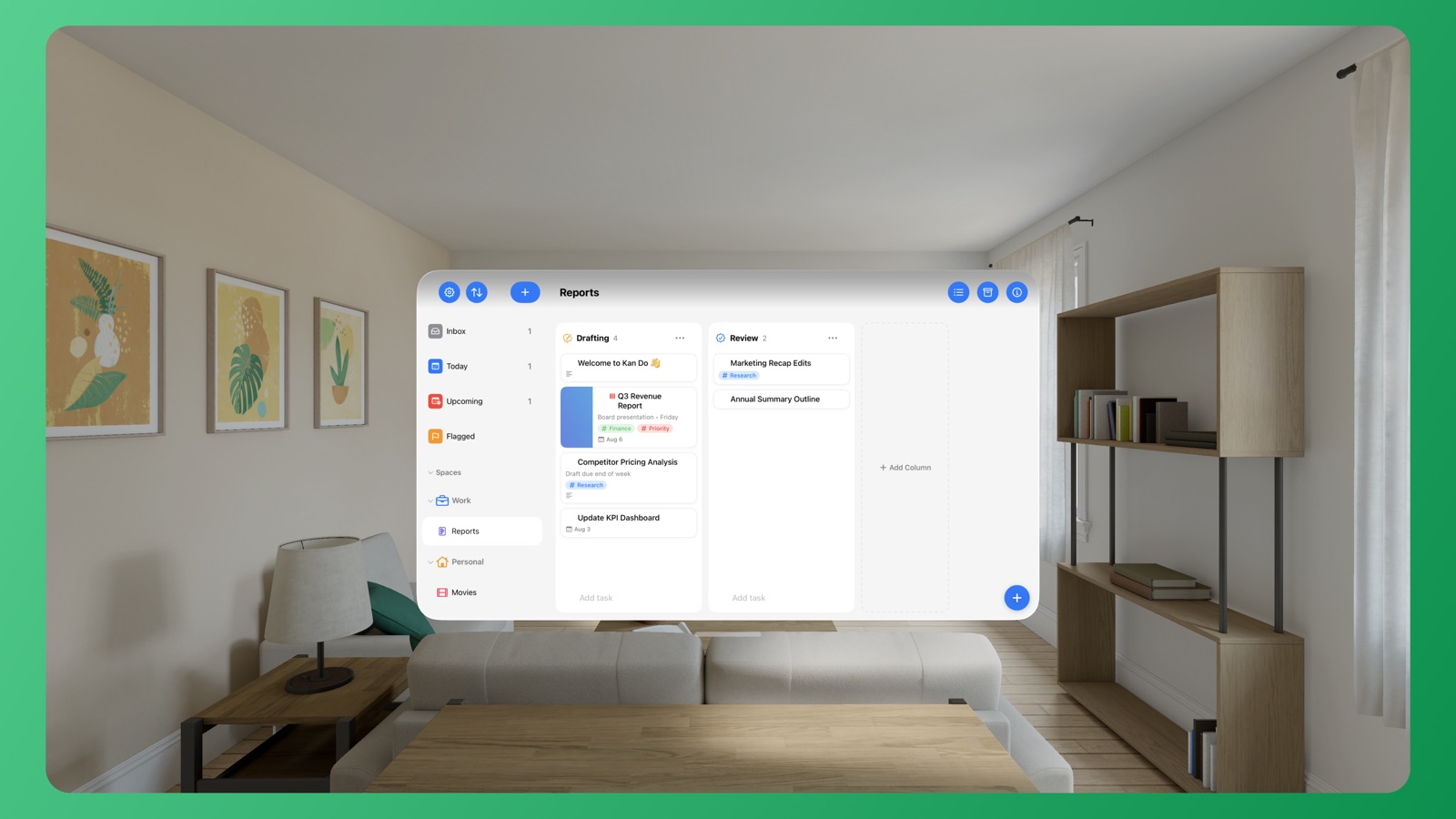
Light, dark, and every color in between.
Pick a theme, an accent, a Home Screen icon, and the typography that suits you.
FAQ
Questions, answered.
Do I need an account?
No. Kan Do has no sign-up and no login. Your data is stored on your device and, if you enable it, synced through your personal iCloud.
Is it a subscription?
No. Kan Do is a one-time purchase on the App Store, and that single purchase covers Mac, iPhone, iPad, Apple Vision Pro, Apple TV, and Apple Watch.
How does sync work?
Kan Do uses iCloud to sync your spaces, boards, tasks, notes, and attachments across all your devices. Turn it on or off any time in Settings ▸ Sync. Read more about sync.
What happens when I complete a task?
Your choice: keep it crossed out on the board, or move it automatically to the project's Archive. You can set this for the whole app and override it per project. Archived tasks can be restored any time.
Does Kan Do collect any data?
No. There are no analytics, no trackers, and no third-party services. Your tasks never leave your devices and your iCloud account. Privacy policy.
Does it work with Siri, Shortcuts, and Spotlight?
Yes. Siri can add, update, complete, and delete tasks by voice and answer questions like "What's due today in Kan Do?". Shortcuts has actions to add, edit, find, and complete tasks, and tasks and projects are indexed in Spotlight. See the Shortcuts guide.
Can I get my data out?
Yes. Export any project to a file that includes its columns, tasks, notes, cover images, attachments, and subtasks, and import it again on any device. You can also import from Apple Reminders. Import and export.
Get things done. Kan Do.
One purchase. Every Apple device. Your data stays yours.
Download on the App Store